

From finding the golf to keeping the story
Bring people together, organize the day, play the competition and keep what happened connected in one place.
- 01
Set it up
Create an Event for a single trip or tournament, or a Season that holds many. The setup wizard asks what it is, when it runs and how it is played, and creates it in a few minutes.
- 02
Invite the group
Send invitations or share a join code. Players land on the event, claim who they are, and they are in. Nobody needs to be talked through a spreadsheet.
- 03
Play
Teams, pairings, rounds and side bets live in one place. Scores go in as the round happens, and everyone sees the same picture at the same time.
- 04
Keep the results
Standings, matches, rounds and photos stay attached to the event after the last putt — a record of what happened, not a thread nobody can find again.
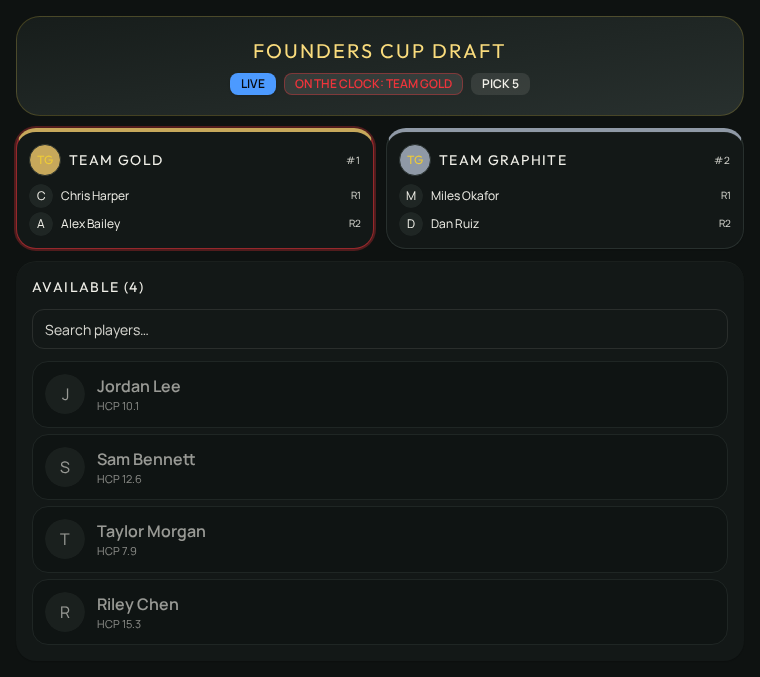
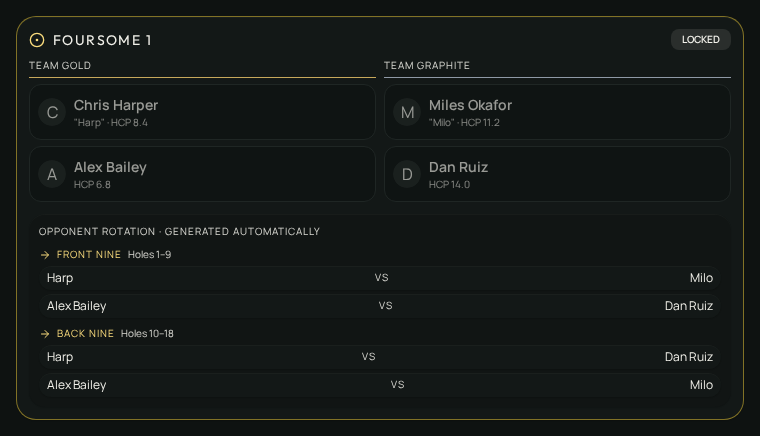
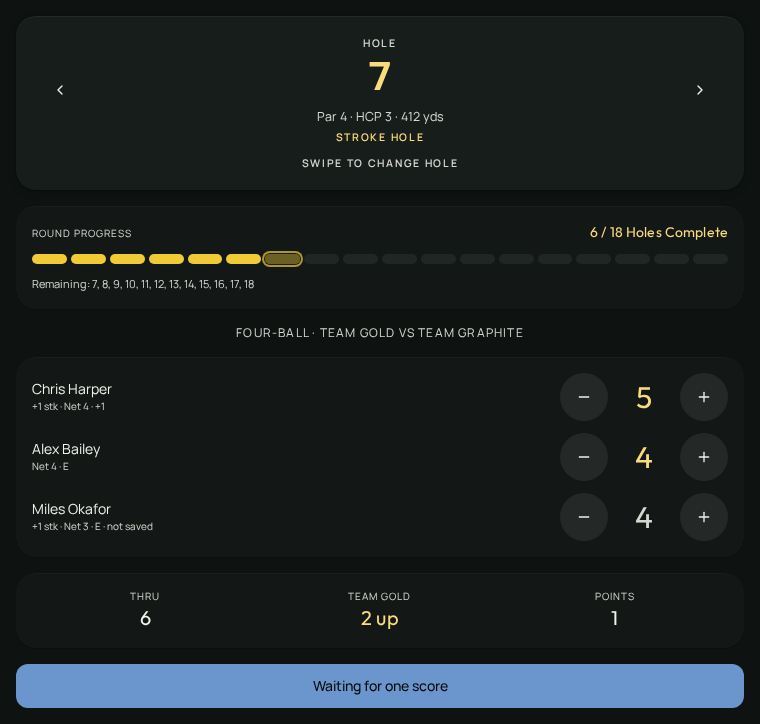
Draft. Pair. Play.
Real TrophyRoom surfaces carry the same competition from the team room to the scorecard.
Ready to run one?
You'll sign in or create your account first, then carry straight on to event setup.